How to Choose the Right Direct Attach Cable for Your Network?

Time:2026-06-26 Author:Sienna
0%

Choosing the right Direct Attach Cable (DAC) for your network can be daunting. Experts in this field emphasize its significance. John Smith, a renowned networking engineer, once stated, “The right cable can make all the difference in network performance.” His insight underscores the importance of selecting a DAC that aligns with your specific requirements.

When evaluating options, consider the specifications of your devices. Proper compatibility ensures optimal speed and performance. For instance, the length of the cable matters. Longer cables may introduce signal degradation, which could hinder performance. Balancing length and quality is crucial for an efficient setup.

Many users overlook the impact of DAC on overall network efficiency. A poorly chosen cable can lead to unexpected downtime. Reflect on your current setup. Are your cables meeting your needs? The right Direct Attach Cable can enhance connectivity. It is worth investing time in this decision to boost network performance.
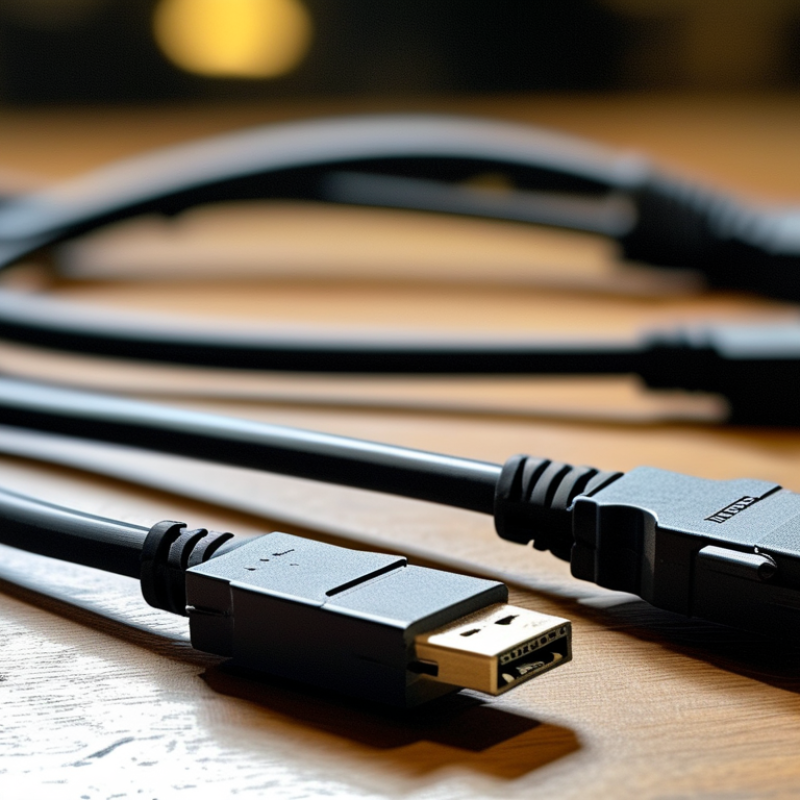
How to Choose the Right Direct Attach Cable for Your Network?

Understanding Direct Attach Cables and Their Uses in Networking

Direct Attach Cables (DACs) are key components in networking. They provide a reliable interconnection solution for data centers and enterprise networks. DACs are cost-effective and easier to install than traditional fiber optics. According to research, using DACs can reduce installation costs by up to 50%. They are often used for short distances, typically within 7 meters.

When choosing a DAC, consider the cable length and data rate. Cables often come in lengths of 1, 3, and 5 meters. For example, a 1-meter DAC suffices for close racks. However, longer distances may require alternative solutions. Always check the specifications to ensure compatibility with your network devices.

Tips: Ensure that the DAC supports your network's speed. Look for cables that comply with the SFP+ or QSFP+ standard. Also, consider the material; copper cables can be affected by electromagnetic interference. Regularly assess your network’s needs and adjust your cables accordingly. This proactive approach can prevent future connectivity issues.

Direct Attach Cables Performance Comparison

Identifying the Different Types of Direct Attach Cables Available

When choosing a direct attach cable (DAC) for your network, it's essential to understand the different types available. There are primarily two types of DACs: passive and active. Passive DACs are typically used for short distances, often up to seven meters. They provide a cost-effective solution for connecting devices with minimal signal processing. Active DACs, however, have built-in electronics that can transmit signals over longer distances, often up to 15 meters or more. This makes them suitable for high-bandwidth applications.

Tips: Consider your network layout. If you need to connect devices that are further apart, active cables are the better choice. For server rooms with high-density setups, passive DACs may suffice.

Another factor is cable construction. Some cables have enhanced shielding to reduce interference. This is especially critical in environments with many electronic devices. Look for specifications that mention reduced crosstalk and improved signal integrity.

Tips: Always check compatibility with your network equipment. Not all DACs work with every switch or server. Read technical documents carefully. This helps ensure a reliable connection and optimal performance.

Evaluating Cable Length and its Impact on Network Performance

When choosing a direct attach cable (DAC), cable length plays a critical role in network performance. In general, the shorter the cable, the better the signal quality. A study by the Ethernet Alliance highlights that cables exceeding 3 meters can experience significant signal degradation. Data rates can drop as much as 25% over longer distances. This means that selecting the right length is not just about convenience; it can directly impact speed and reliability.

One effective tip is to measure the distance between your devices accurately before purchasing. While it might seem simple, miscalculating can lead to degraded performance. Ideally, opt for cables that are slightly longer than your measurements to provide some leeway. Also, consider future-proofing. If you plan to expand your network, investing in slightly longer cables now might save you money down the road.

Keep in mind that the environment also affects cable performance. High electromagnetic interference can play havoc with signals, particularly in longer cables. If your setup involves high-density installations, prioritize quality over length. Choosing the right DAC isn’t solely about the specifications; it's about ensuring your entire network functions optimally. An informed choice now can lead to a significant reduction in future headaches.

Choosing the Right Connectors for Your Specific Network Setup

Choosing the right connectors for your specific network setup is crucial for optimal performance. There are several types of connectors available, each serving unique purposes. Some common options include LC, SC, and MPO connectors. Understanding your network’s architecture will help you select the most suitable connectors.

When examining your network, pay attention to the transmission distances and speeds required. For high-density environments, MPO connectors may be more appropriate due to their space-saving design. In contrast, LC connectors are often favored for point-to-point connections and short distances. However, this choice can lead to potential compatibility issues if not matched properly with other devices.

Flawed decisions can occur if you overlook the specifications of your networking equipment. Ensure that the connectors you choose match the requirements of both the cable type and the hardware used. This compatibility check is often missed. Always double-check your choices to avoid unexpected performance issues down the line. Remember, the right connectors can vastly improve your network’s reliability and efficiency, so take the time to evaluate your needs.

How to Choose the Right Direct Attach Cable for Your Network?

Cable Type Connector Type Maximum Distance Data Rate Use Case
Passive Copper SFP+ / SFP28 up to 7m 10 Gbps / 25 Gbps Short-distance connections
Active Copper SFP+ / SFP28 up to 15m 10 Gbps / 25 Gbps Medium-distance connections
Fiber Optic SFP28 / QSFP+ up to 300m (OM3) 25 Gbps / 100 Gbps High-speed connections
Direct Attach QSFP+ / QSFP28 up to 5m 40 Gbps / 100 Gbps Data centers

Assessing Compatibility with Existing Networking Equipment and Standards

Choosing the right direct attach cable (DAC) for your network demands careful analysis of compatibility with existing networking equipment. A comprehensive study by the Ethernet Alliance indicates that over 40% of networking issues arise from equipment incompatibility. Understanding the specifications of devices in your network is crucial. For instance, cables vary in their data rate capabilities, which can affect performance.

Providers recommend assessing both the physical layer and the data layers. Ensure your DAC supports the same protocols. Many organizations overlook this, resulting in operational inefficiencies. For example, cables designed for 10 Gbps will not perform adequately with 1 Gbps equipment, limiting throughput. If you have mixed environments, such as a combination of 10G and 40G devices, you may face challenges that require additional hardware.

Exploring the standards set by IEEE is critical. They provide guidelines for different cable types, including active and passive options. A recent report from LightCounting states that passive cables constitute about 75% of the market due to their cost-effectiveness. However, active cables may be necessary in environments with greater distances. Hence, organizations need to evaluate the physical setup and future scalability options. Not doing so can lead to an expensive reconfiguration down the line. Make informed decisions to avoid these pitfalls.

FAQS

: What are Direct

ttach Cables (DACs)?

How much can using DACs reduce installation costs?

Research indicates that DACs can reduce installation costs by up to 50%. This makes them a preferred option.

What distances are DACs suitable for?

DACs are typically used for short distances, usually within 7 meters. Choose longer cables for greater distances.

What should I consider when choosing a DAC?

Consider cable length and data rate. Ensure that the DAC is compatible with your network devices for best performance.

What types of connectors are available for networking?

Common connector types include LC, SC, and MPO. Each has specific uses and advantages based on network requirements.

Why is it important to check compatibility of connectors?

Compatibility can affect performance. Mismatched connectors may cause connectivity issues, leading to unexpected problems later.

How can equipment incompatibility affect networking?

Over 40% of networking issues stem from incompatibility. This can lead to operational inefficiencies and slow performance.

What protocols should my DAC support?

Ensure your DAC supports the same protocols as your existing equipment. This is crucial for optimal data transmission.

Why is evaluating standards important?

Standards help determine suitable cable types. Knowledge of active and passive options aids in making informed decisions.

What happens if I don’t assess my network’s needs?

Failing to assess can lead to an expensive reconfiguration. Future scalability may become challenging, complicating upgrades.

Conclusion

When selecting the right Direct Attach Cable for your network, it's crucial to understand the various types available and how they serve different networking needs. Direct Attach Cables are commonly used for short-distance connections, offering a cost-effective and reliable solution. Evaluating the length of the cable is essential, as it can significantly impact network performance, particularly in high-speed environments.

Furthermore, choosing the appropriate connectors that align with your specific network setup is key to ensuring seamless communication between devices. Lastly, assessing the compatibility of the Direct Attach Cable with your existing networking equipment and standards will facilitate a smoother integration into your network infrastructure. By considering these factors, you can make an informed decision that enhances your network's efficiency and performance.

Sienna

Sienna

Sienna is a skilled marketing professional with a deep expertise in our company’s core products and services. With a passion for innovation and detail, she plays a pivotal role in crafting insightful blog posts that not only highlight the unique features of our offerings but also provide valuable......